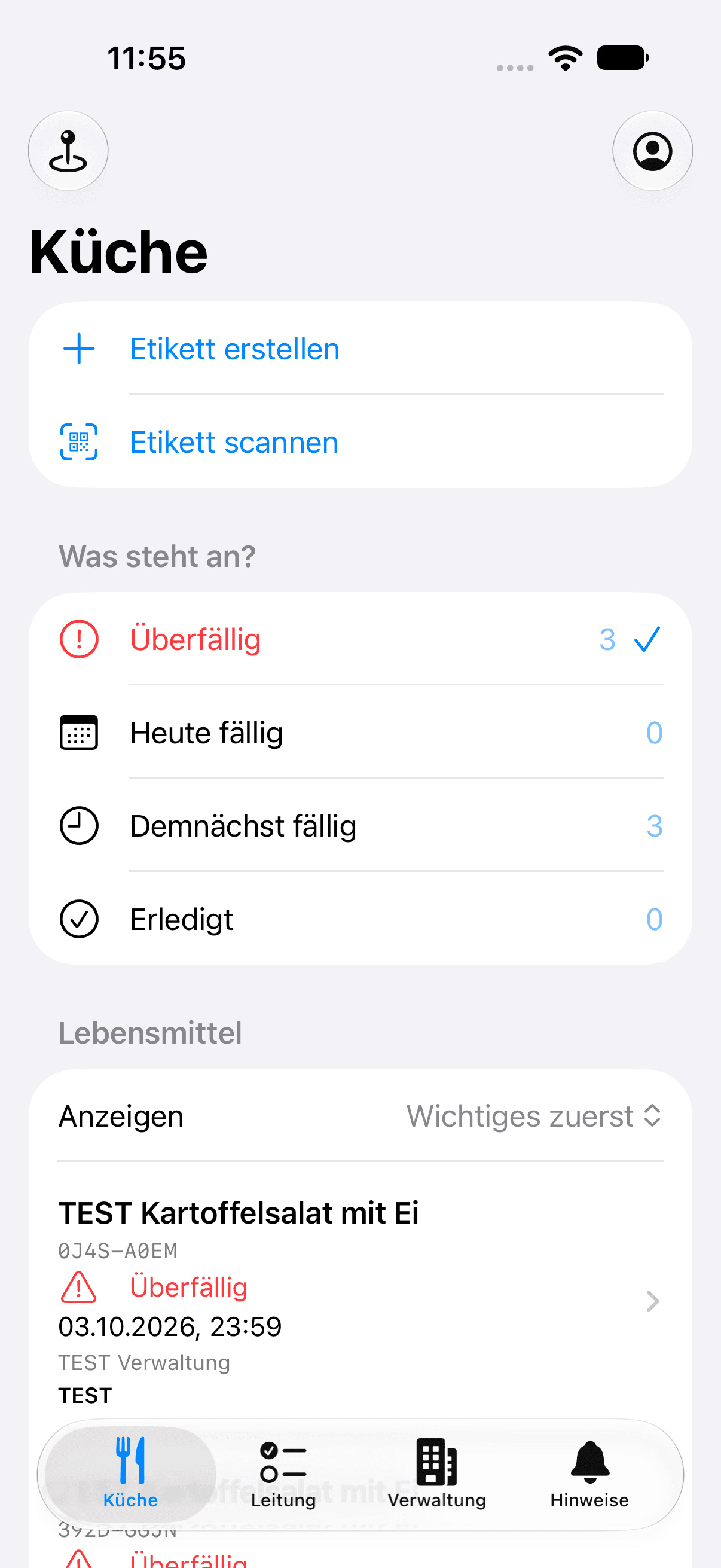
Work directly at the container with your iPhone.
The kitchen view connects everyday steps: select a product, create a label and open a container by QR code. Due containers and containers on hold appear in the site overview. The recorded history stays connected to the container.
The native scanner uses the device camera. You can also use a code from a selected photo or enter a short ID. Images are processed on the device.
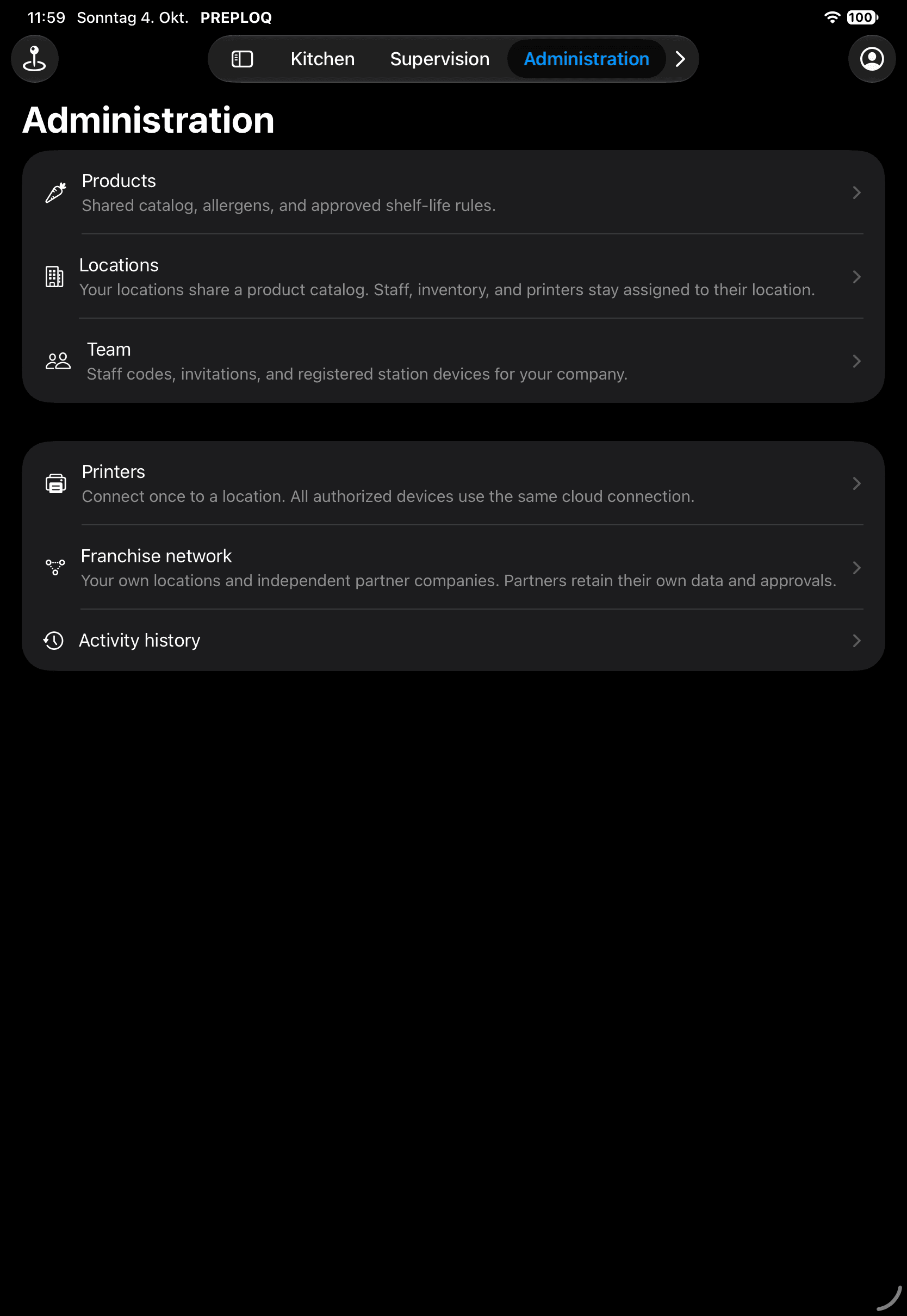
Keep your site in view on iPad.
Navigation and views adapt to the larger iPad screen. Your role determines access to the kitchen overview, supervision or administration. Head office manages products, sites, team members and configured printers in the same PREPLOQ system.
The app uses approved rules and saved labels from the shared system. Role and site permissions also apply to mobile access.
Try the kitchen workflow on the web today.
Until the App Store release, explore PREPLOQ through the web application. Request a free trial. We personally set up a suitable workflow with you.
The trial lasts 14 days from personal setup. No credit card is required, and there is no automatic paid renewal.
Questions about this topic
Can I already download the app from the App Store?
Release on the official App Store is planned and announced here. We will add a download link once the app is available there. You can already try PREPLOQ through the web application.
Which devices is the app intended for?
For iPhone and iPad with iOS 26 or iPadOS 26 or later. The native interface supports German and English as well as light and dark appearance.
Do the screenshots show the actual app?
Yes. They are unmodified simulator captures of the native PREPLOQ app. The kitchen view uses synthetic TEST data. The captures are from development before the App Store release.
Do I need a second account for the app?
The app uses the same invited accounts, roles and sites as the web application. Staff with personal codes use a configured station device belonging to the appropriate company and site.