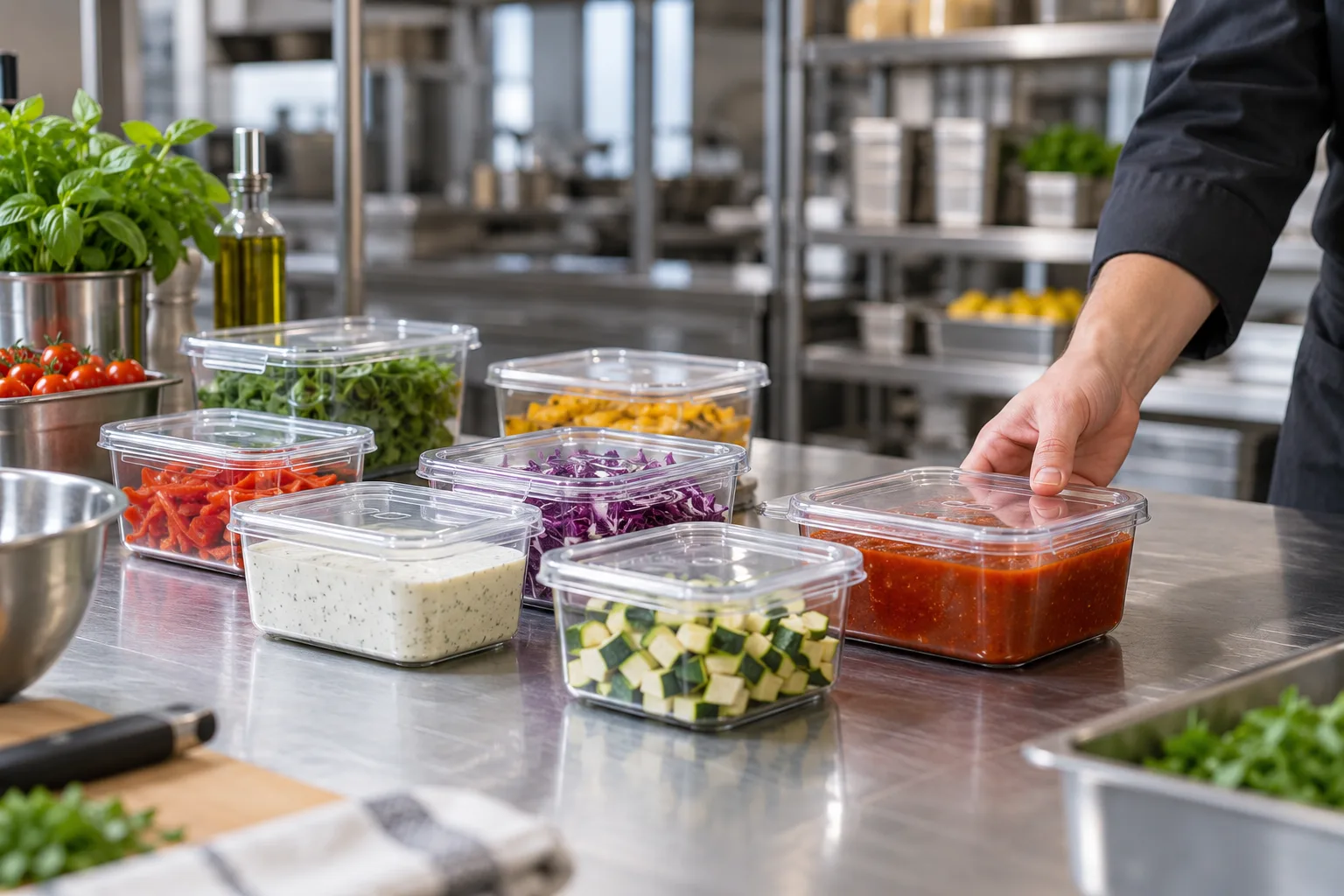
Preparation ends with a clear label.
Your team selects an approved product and a step such as preparing, opening or thawing. PREPLOQ asks for the required information and previews the calculated date. The label is saved after review.
When the next shift picks up a sauce, they need to identify the container and its valid internal date. The QR code opens the saved information. There is no handwritten abbreviation to decipher.
Saved labels remain available.
A printer problem does not delete the label. It can be sent for printing later. A reprint uses the saved version; a subsequently changed rule does not create a new date on the old label.
If required content cannot fit the layout, output is blocked. The team sees what is missing or too long. Required information is never silently cut off.
Questions about this topic
Are printed labels English when the team uses English?
The interface is available in German and English. Printed label content remains German.
Can I save a label and print later?
Yes. Saved labels awaiting printing remain accessible in the daily overview.